Soft watercolor portraits of your pet
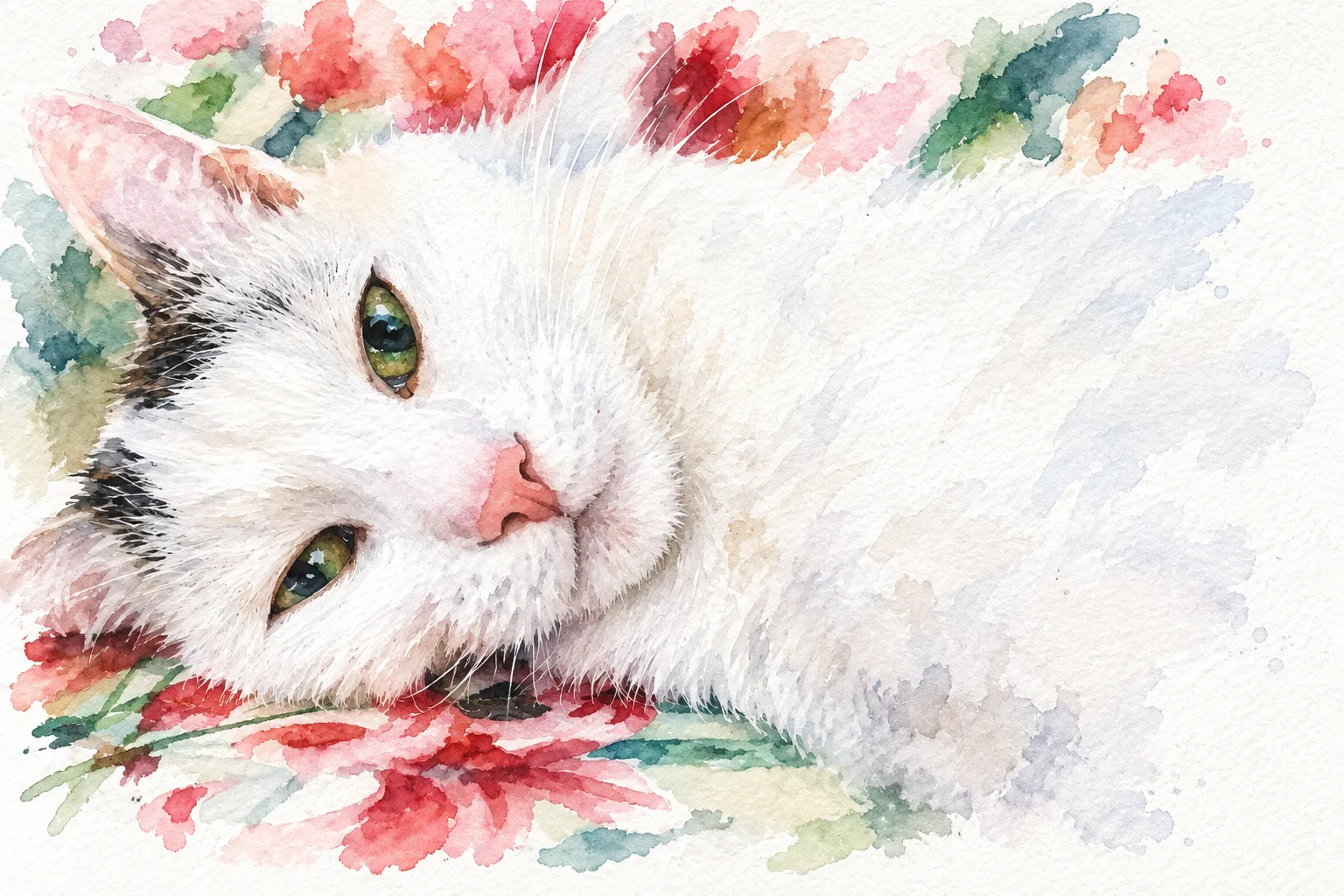
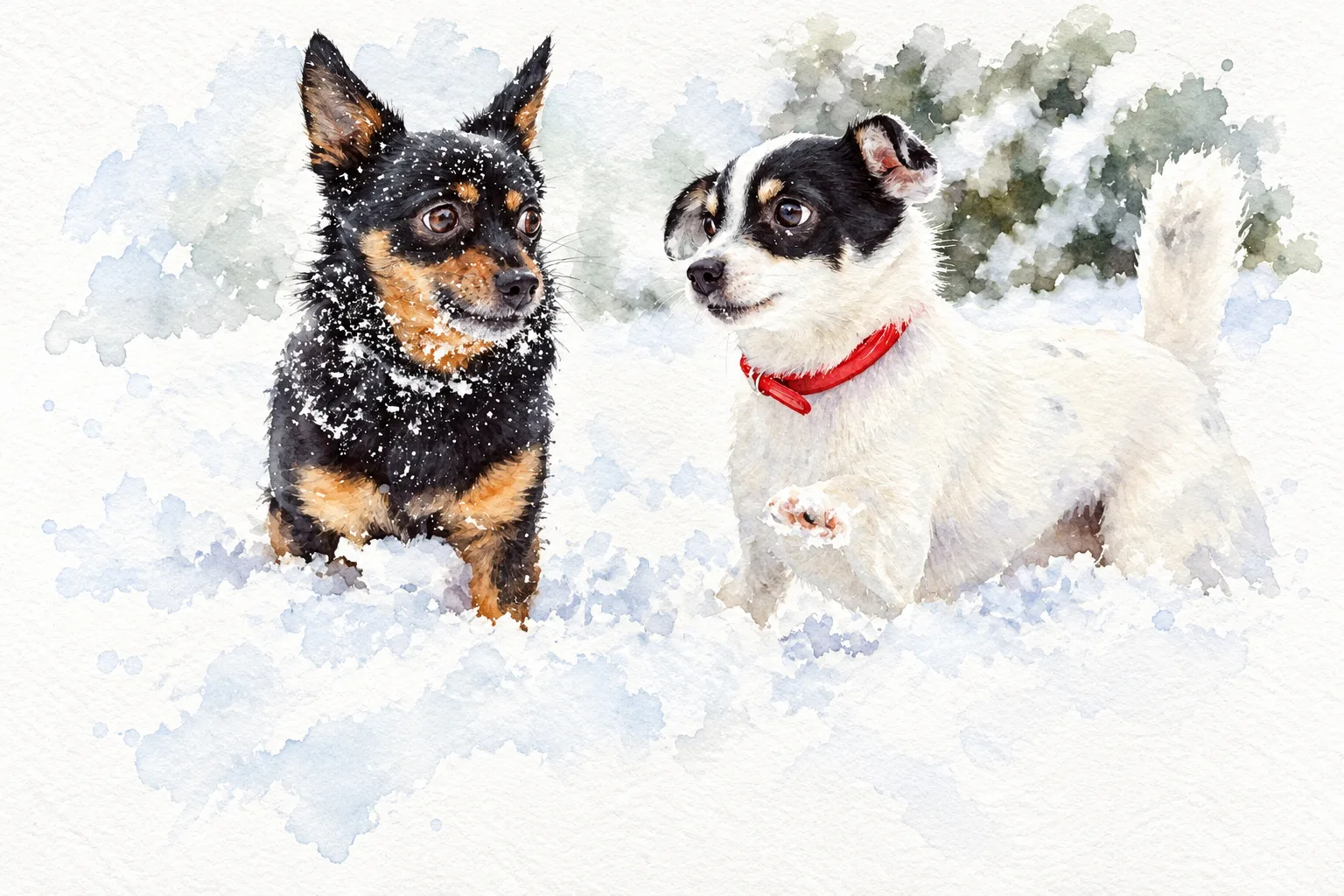
Upload a photo of your pet and Paintify repaints it as a watercolor: transparent washes on textured white paper, soft edges, a few fine details around the eyes, and the background fading out to bare paper. The style asks the model to keep your pet's face, coat and markings.
Unlike the costume styles, Watercolor keeps your pet as it is in the photo, collar and pose included, so it suits a photo you already love. It is on the free plan.
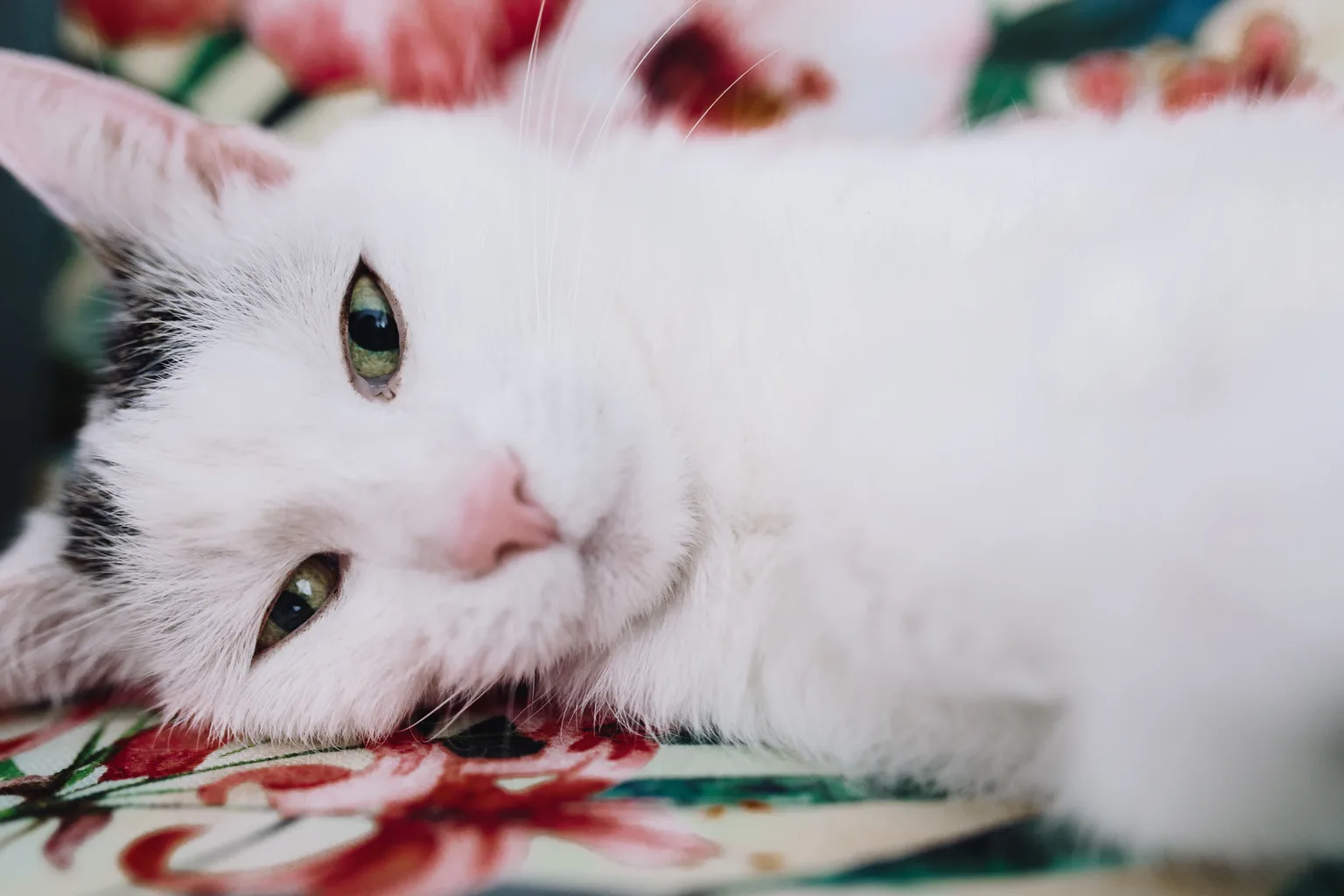
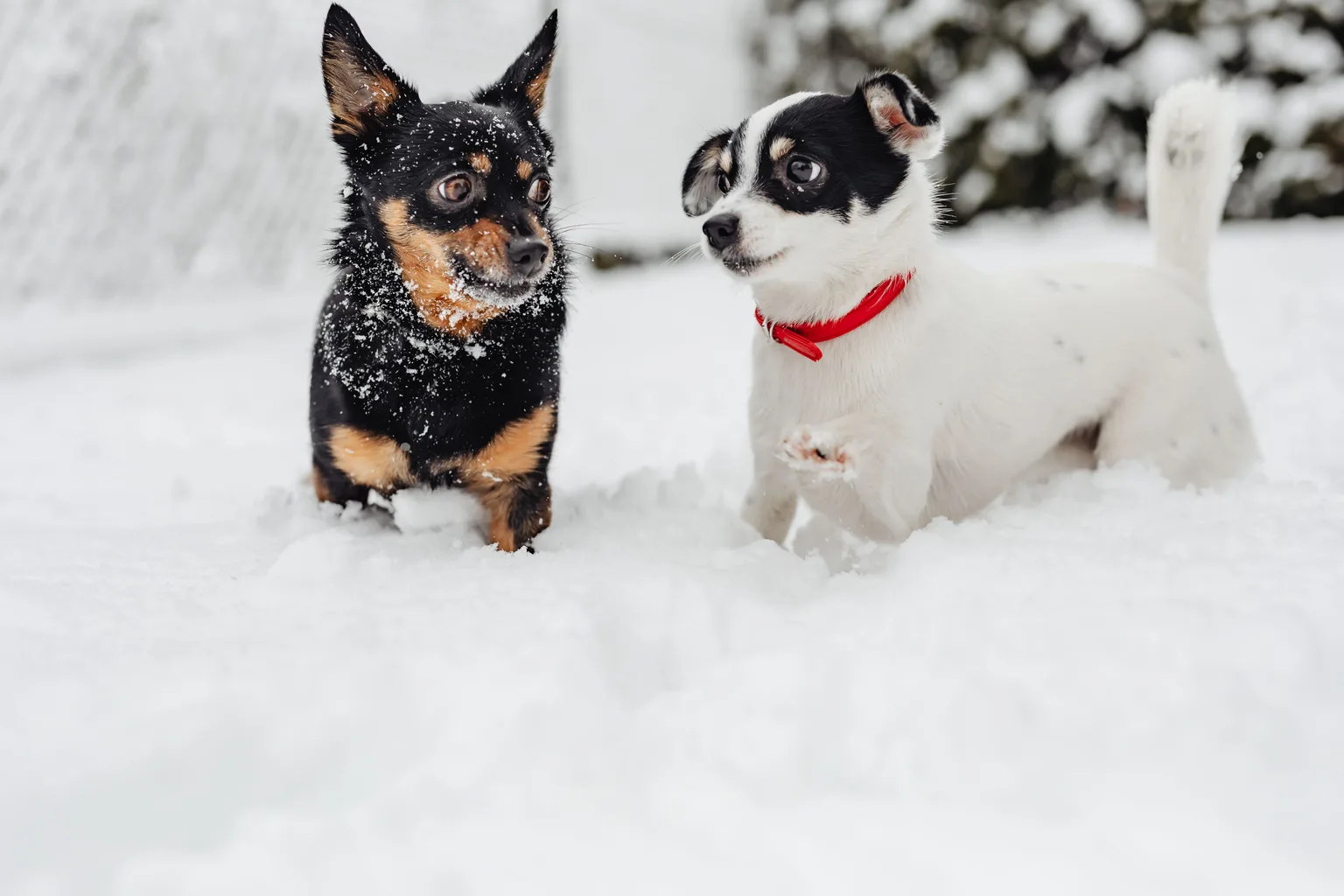
Paint my pet in watercolorThree photos, before and after
These paintings were made with the current image model and are shown unretouched, one result per style.
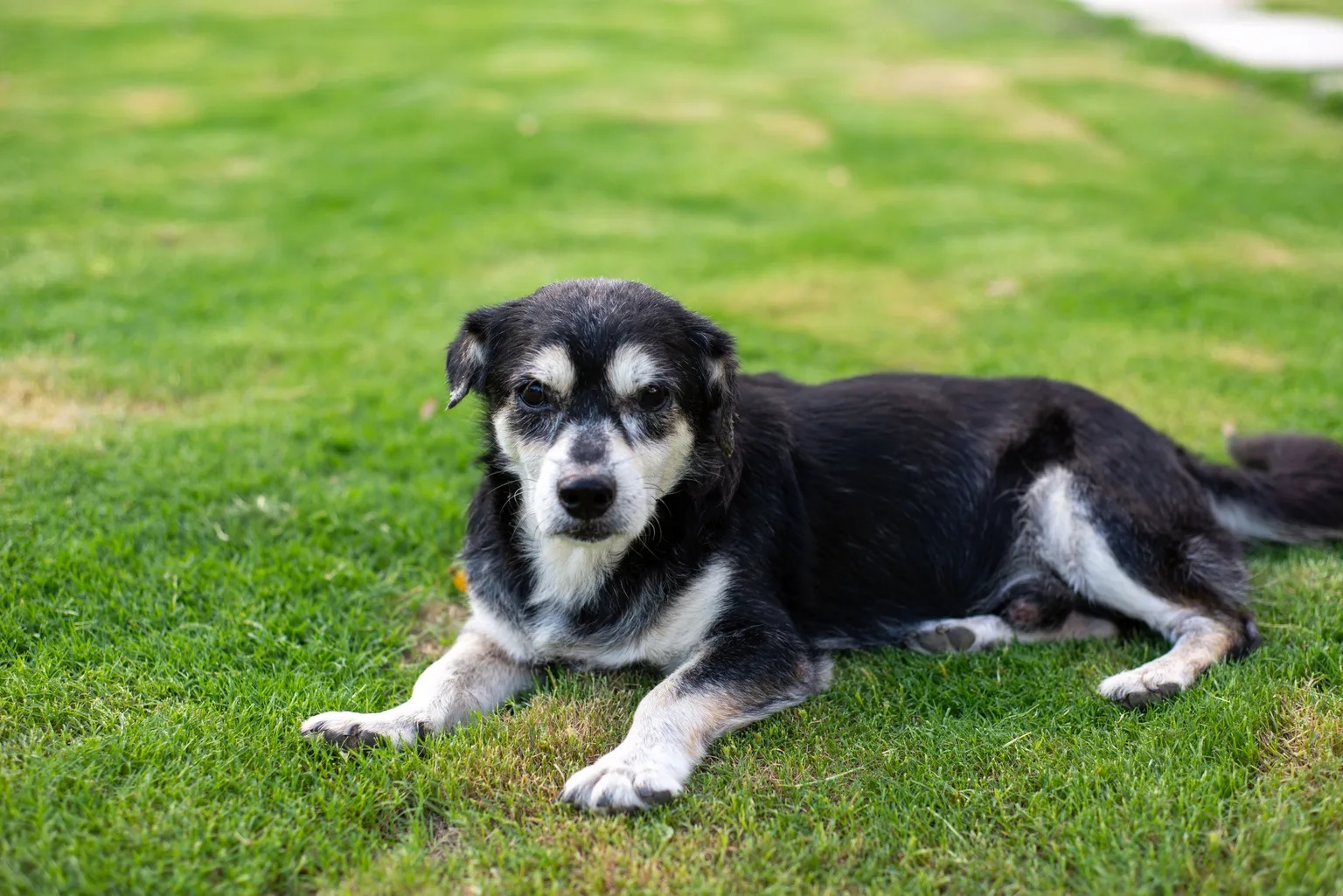
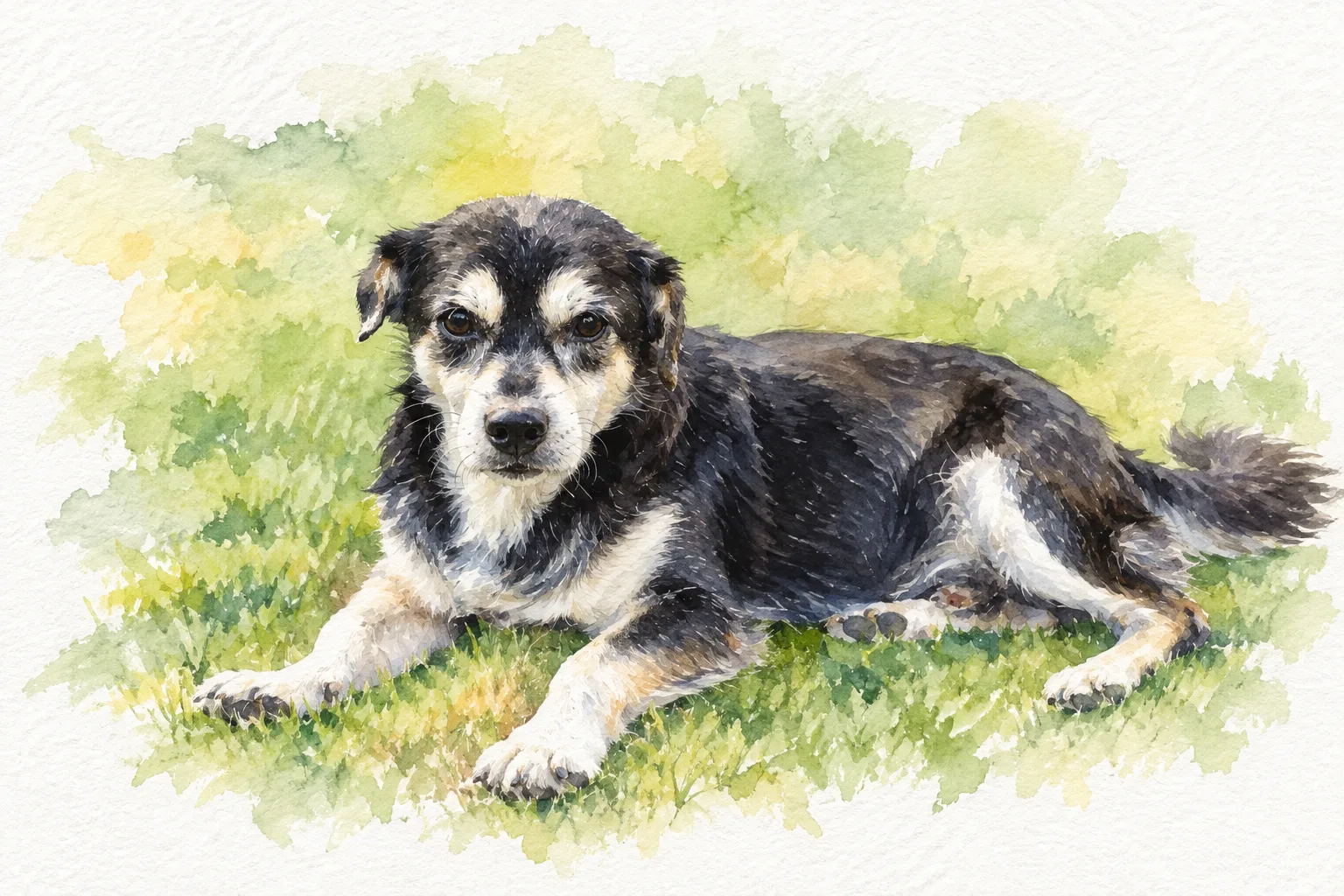
How it works
- Create a free account. If you sign up with an email address, open the verification email and click the link; the generator opens once your email is verified. Signing in with Google skips this step.
- Upload a photo: PNG, JPEG or WebP, up to 50 MB. Large photos are resized to 2048 px on the long side before upload.
- Choose "Watercolor" in the style list and press Transform Artwork. A painting usually takes under a minute.
- Download the painting as a PNG. It is also saved to the gallery in your account.
Tips for a good result
- White fur becomes bare paper. The white cat and the white dog are painted mostly by their shadows and outlines, with the paper left showing. That is how watercolor works, but a white pet on a white or very pale background can lose its edges.
- Collars and the scene are kept. The small dog's red collar is still there, and the cat's floral bedding became loose red and green washes.
- The pose stays exactly as photographed, including a pet lying down or two pets together. Both small dogs in the snow kept their own markings.
- Colourful or high-contrast photos give the most to paint. A pet on a plain light background ends up with a lot of empty paper around it.
- The painting keeps the photo's shape, so a wide photo gives a wide painting; crop first if you want an upright portrait.
What to expect
- The painting is a new image, not a filter. The model repaints the whole photo, so the background, the pose and small details can change, and two runs on the same photo never give the same result.
- If the first result is not right, you can regenerate it with a short instruction of your own. The model does not always follow it exactly, and each regeneration counts as one image.
- Occasionally the image service declines an ordinary photo. You will see "Photo declined by the image service". Nothing is generated and no image is counted; trying again or using a different photo may work.
- Detail is softer than in the photo. Fur is suggested with washes and a few strokes rather than painted hair by hair, and the edges of the picture fade into white.
What it costs
The free Spark plan includes up to 10 generated images in total. Creator is $5 a month for up to 50 images a month, and Visionary is $20 a month for up to 400 images a month. The full details are on the pricing page.
Questions
- Is it free?
- You can try it free. The Spark plan includes up to 10 images in total, and Watercolor is included in it. After that, Creator is $5 a month for up to 50 images and Visionary is $20 a month for up to 400.
- Does it work on a white or very light pet?
- Yes, but the white fur is left as bare paper and shaped by shadows, as with the white cat and the white dog above. A darker background in the photo helps the outline stay clear.
- Will the collar be kept?
- In our examples, yes: unlike the Renaissance and Royal styles, Watercolor keeps what your pet is wearing, as with the red collar on the small dog in the snow.
- Can I paint two pets together?
- Yes. Upload a photo with both of them in it. The two dogs in the snow were painted together and each kept its markings. It counts as one image, however many pets are in the photo.
- Do I need an account?
- Yes, a free one. If you sign up with an email address, you need to click the link in the verification email before the generator opens. Signing in with Google skips that step.
- Can I download the painting?
- Yes. Each painting downloads as a PNG and is also saved to the gallery in your account, where you can delete it at any time.