Painting styles for your photos
Paintify has 11 styles. You upload a photo, pick one, and an AI image model repaints the whole photo in that style. Each card below shows one real result next to the photo it came from.
Picasso, Monet, Da Vinci, Van Gogh, Renaissance portrait, Royal portrait, Starry night and Watercolor are on every plan, including the free Spark plan. Salvador Dalí, Andy Warhol and Mexican folk art are on the Creator and Visionary plans.
Try a style on your photoEvery style, tried on a real photo
These paintings were made with the current image model and are shown unretouched, one result per style.
Picasso
Every plan, including free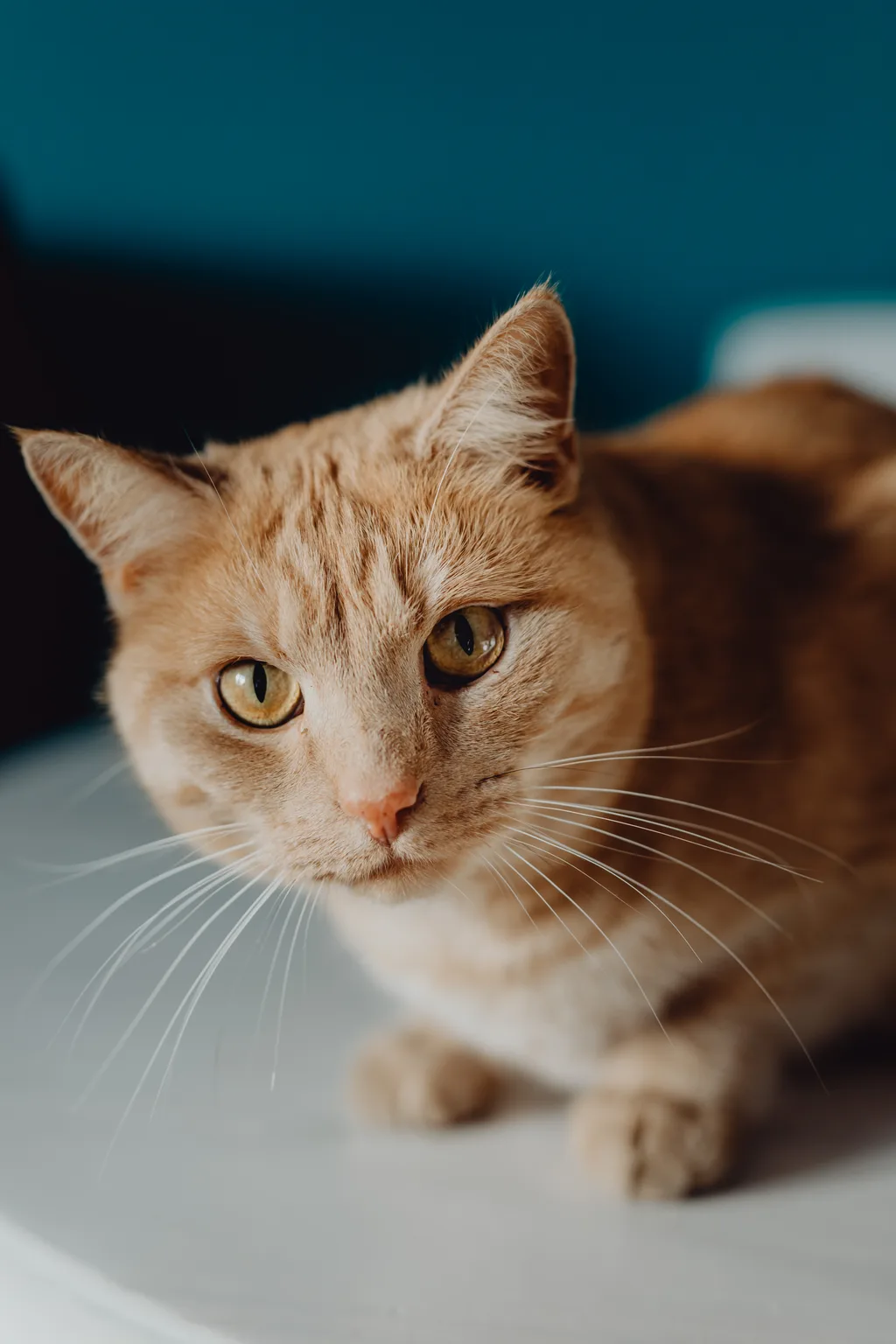
Original photo 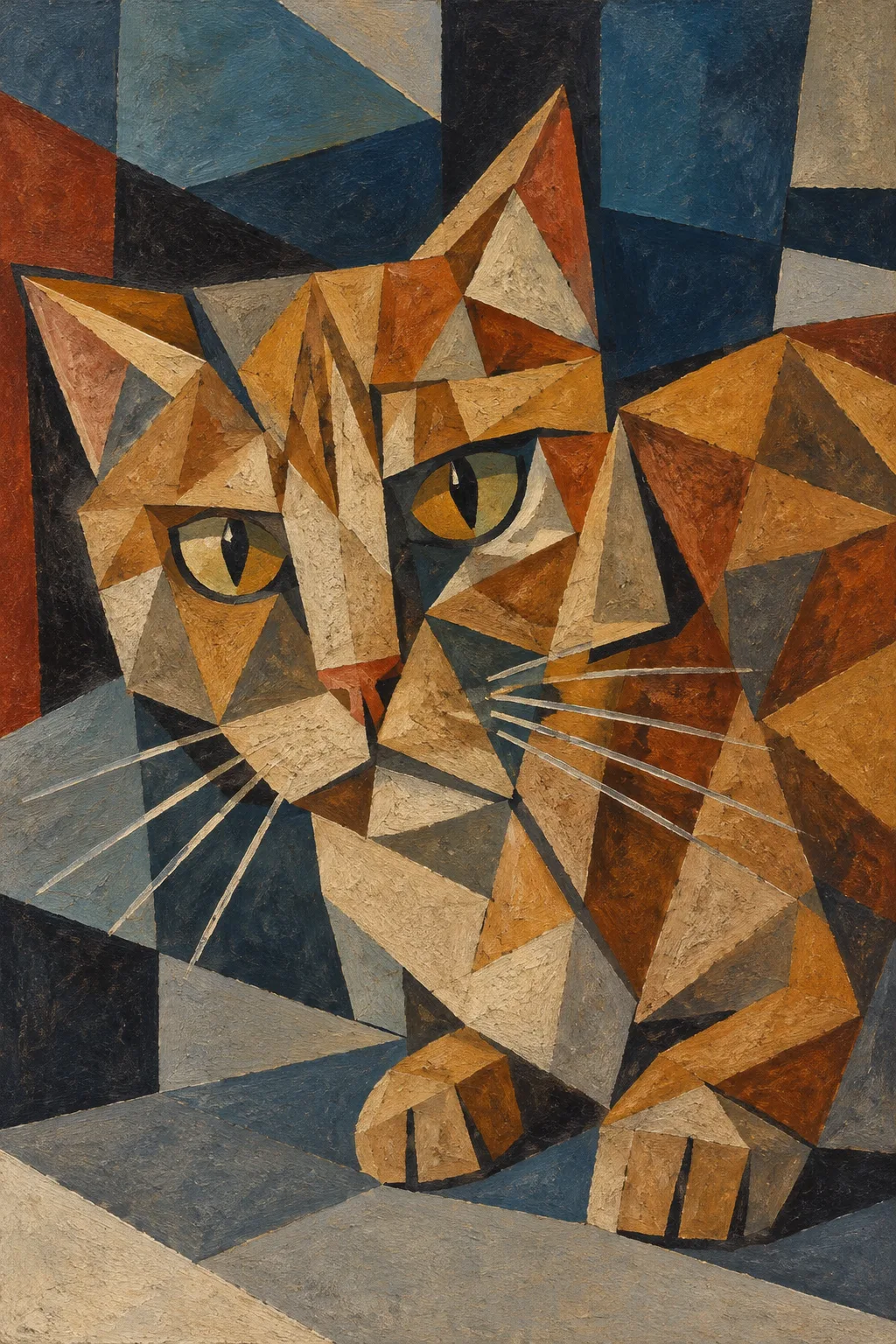
Picasso Cubist planes and angular shapes.
Monet
Every plan, including free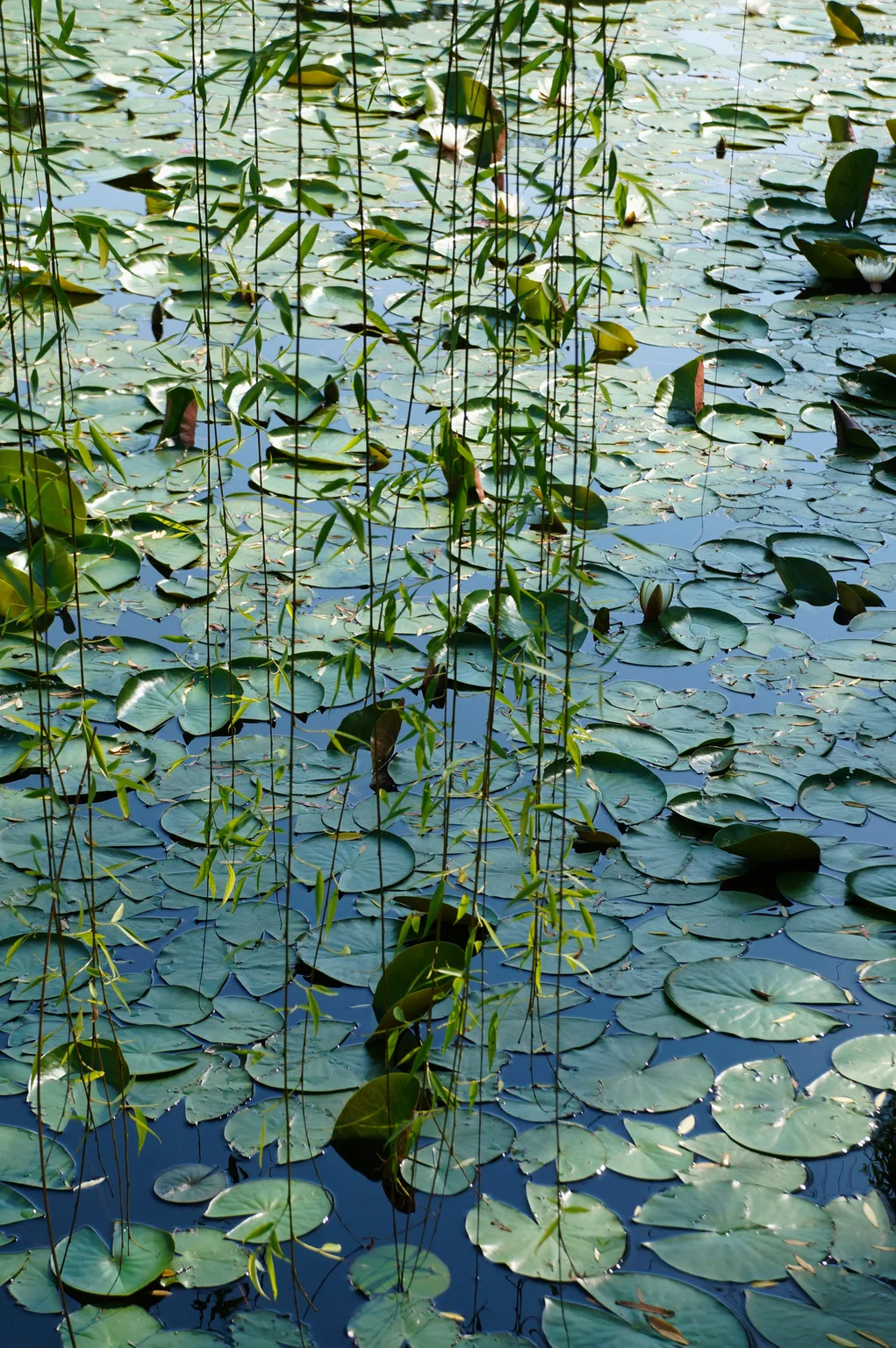
Original photo 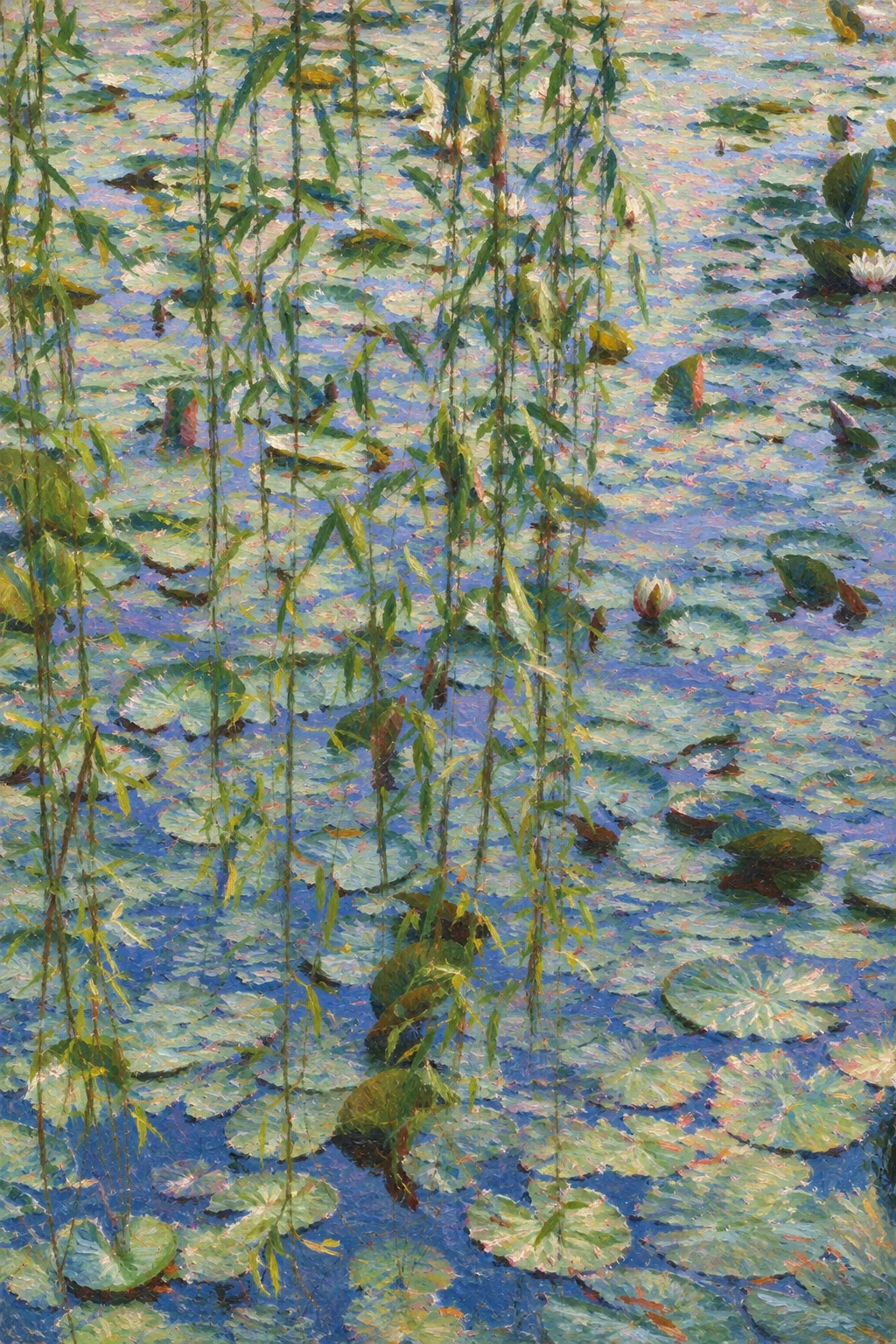
Monet Soft impressionist light and colour.
Da Vinci
Every plan, including free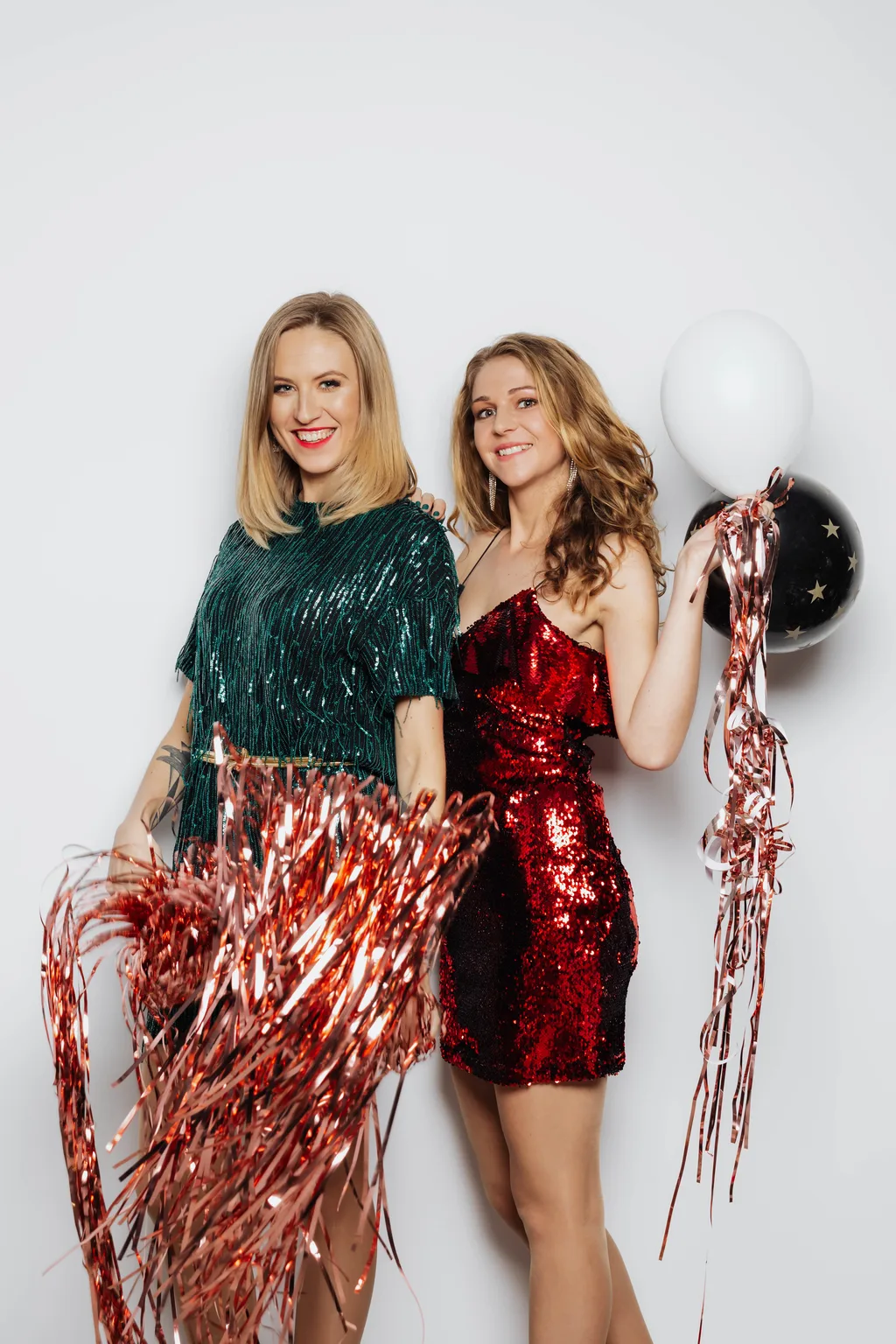
Original photo 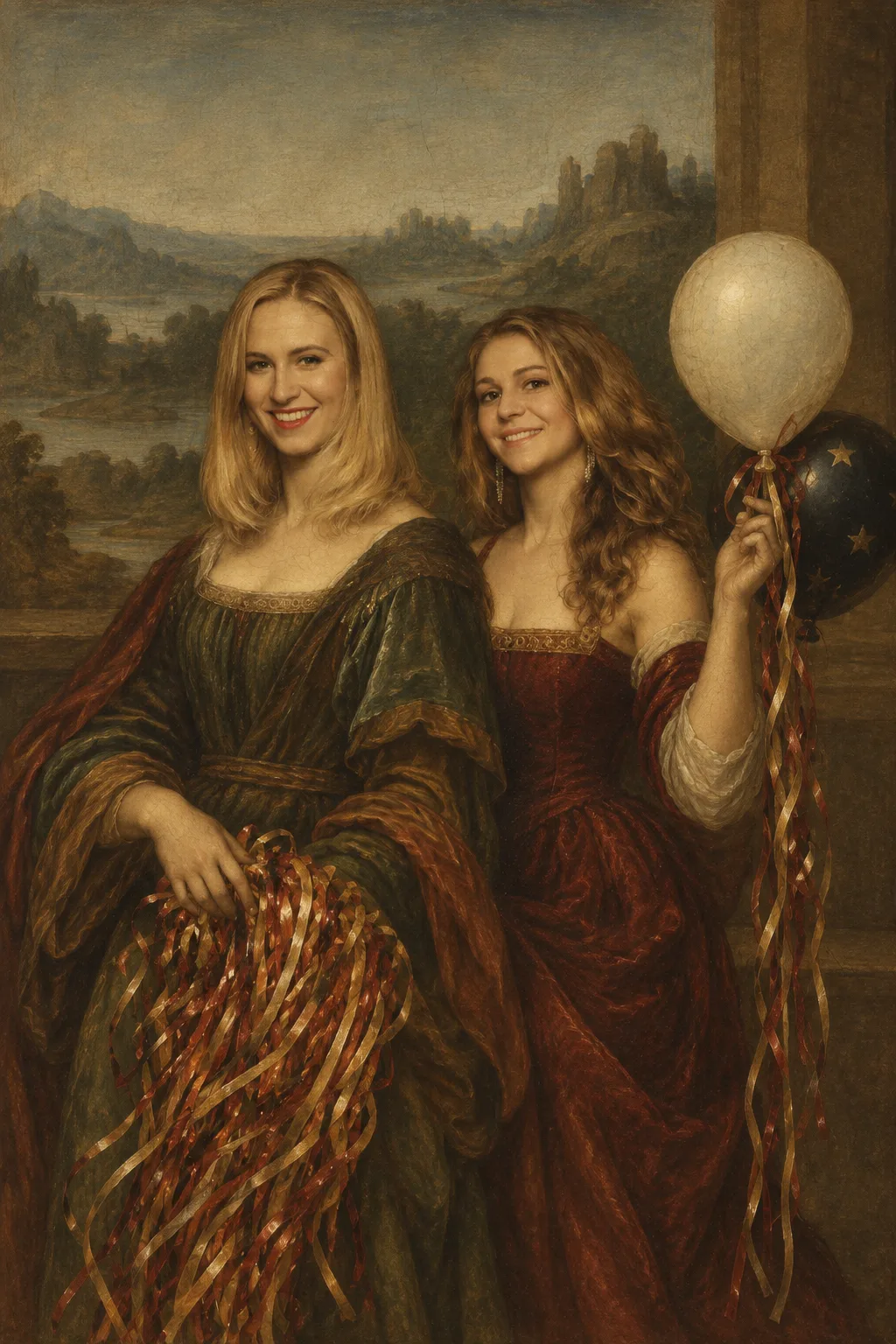
Da Vinci Renaissance sfumato and muted tones.
Van Gogh
Every plan, including free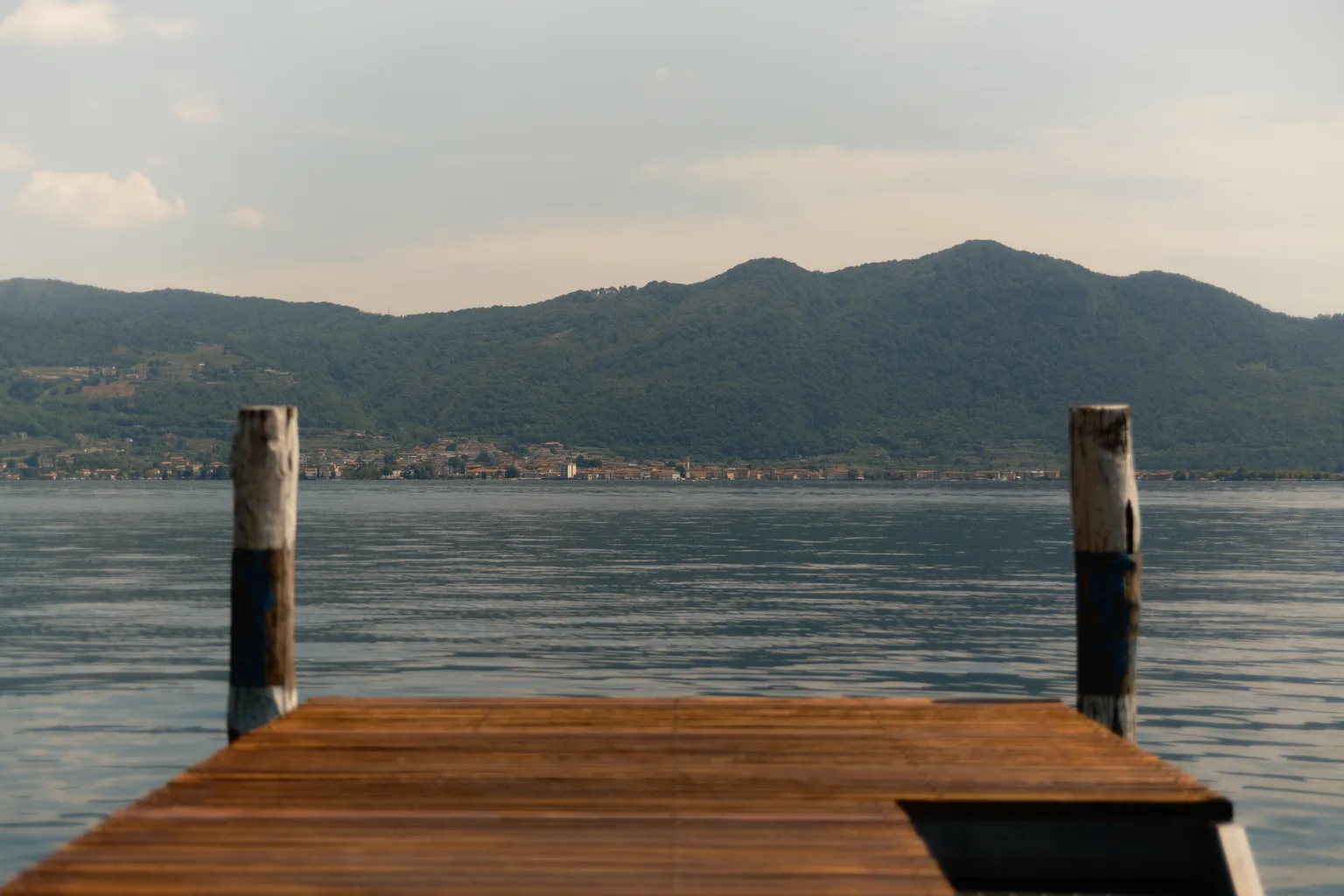
Original photo 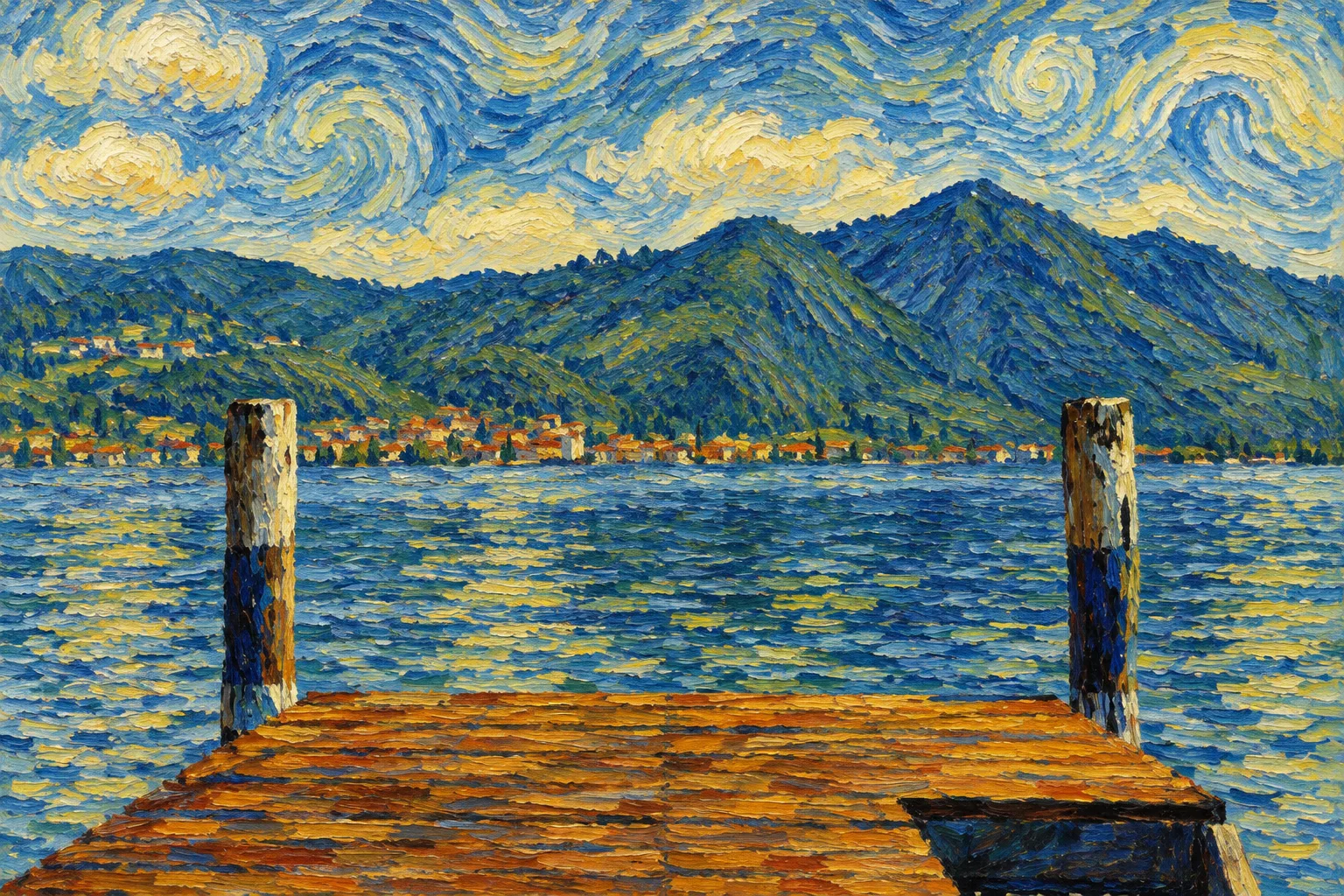
Van Gogh Thick, swirling brushstrokes and bold colour.
Salvador Dalí
Creator and Visionary plans only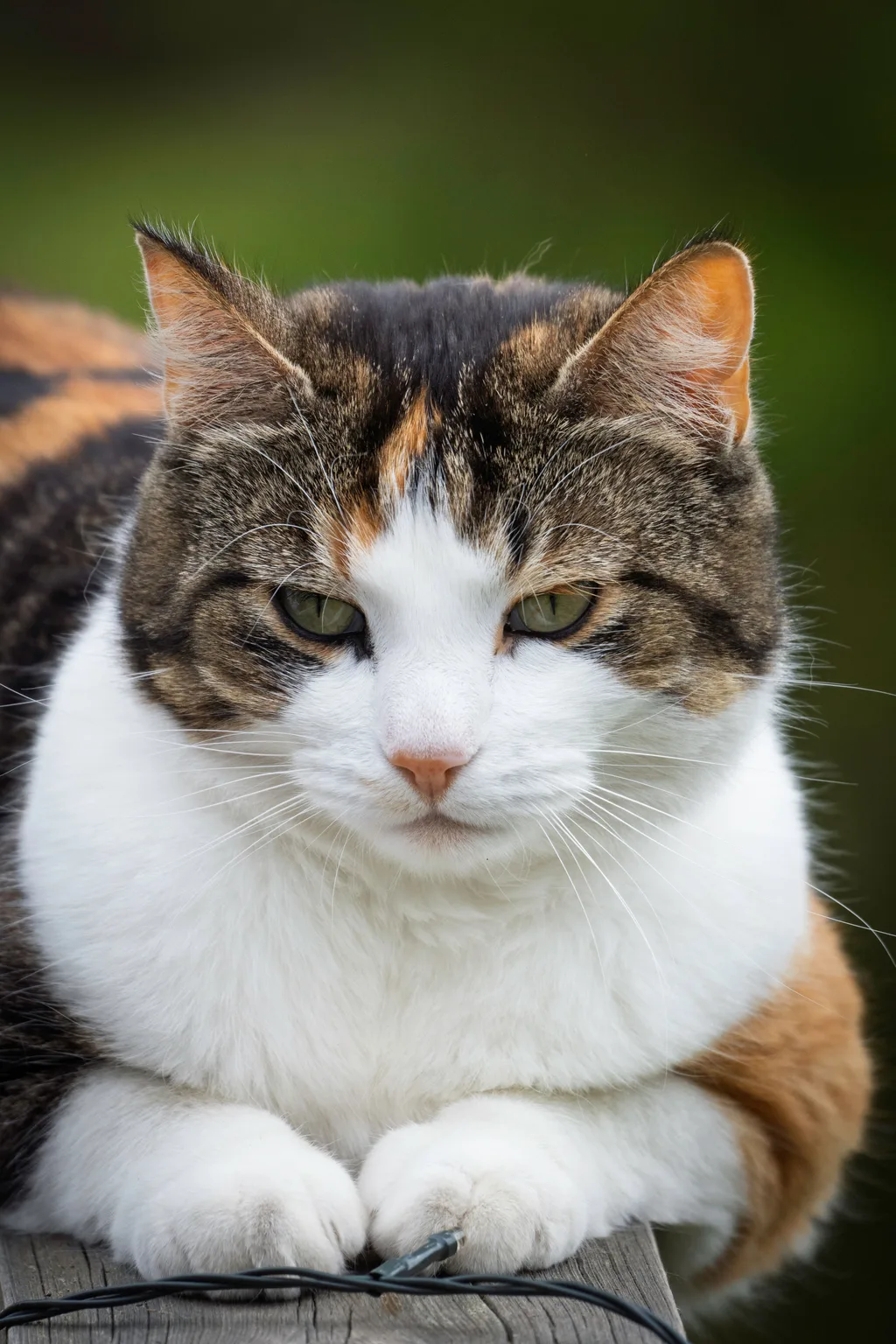
Original photo 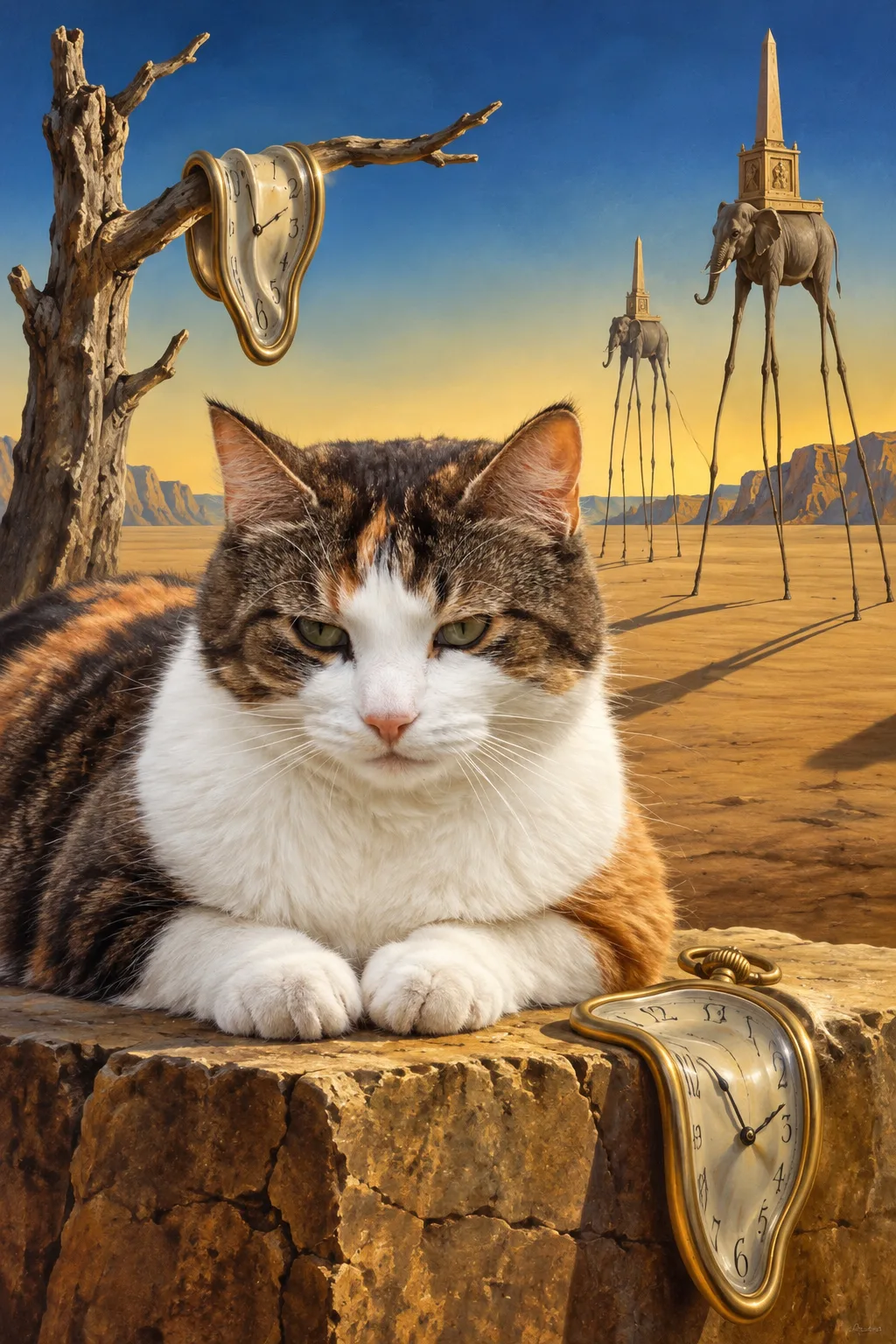
Salvador Dalí Surrealist dreamscapes.
Andy Warhol
Creator and Visionary plans onlyOriginal photo 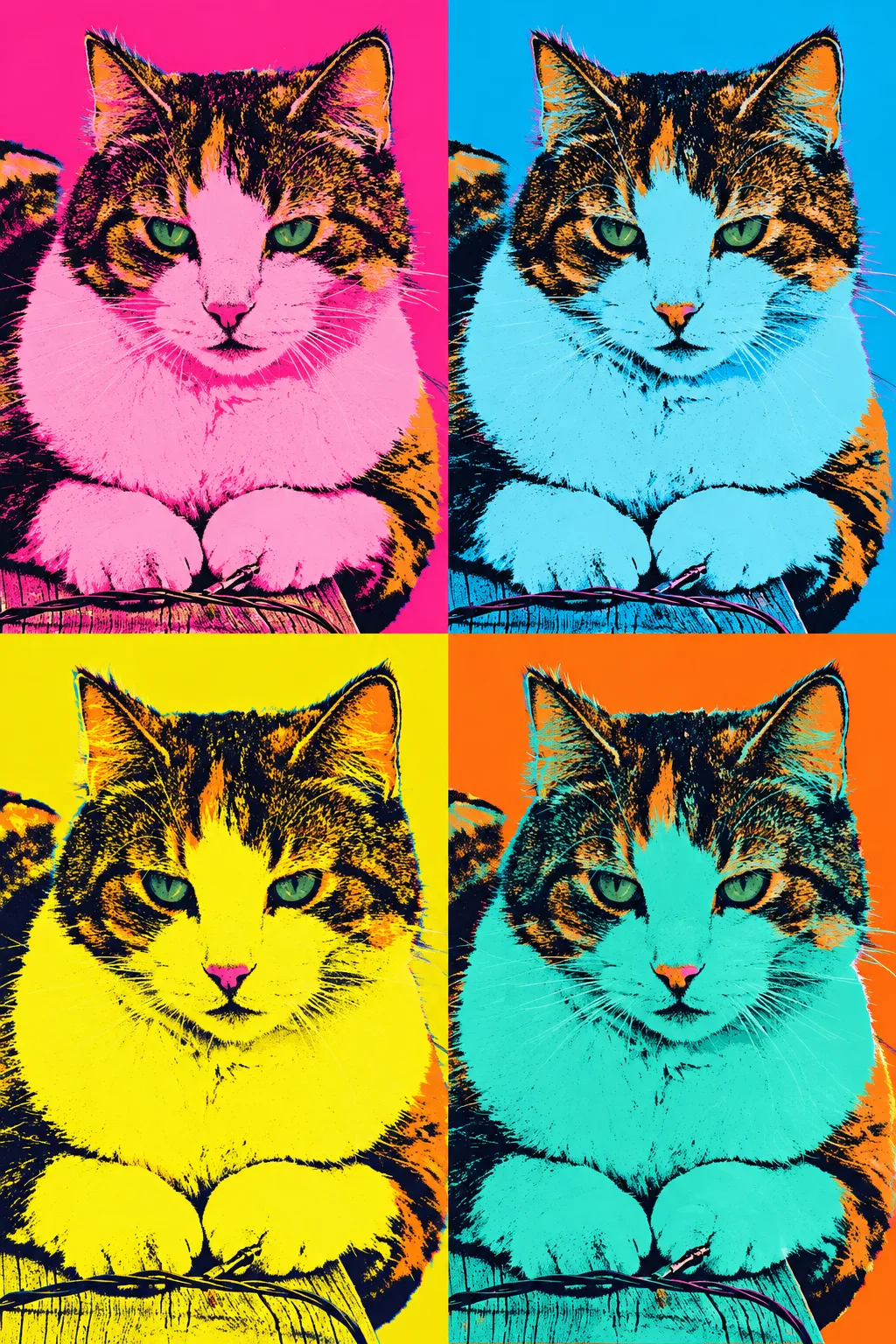
Andy Warhol Pop-art colour blocks.
Mexican folk art
Creator and Visionary plans only
Original photo 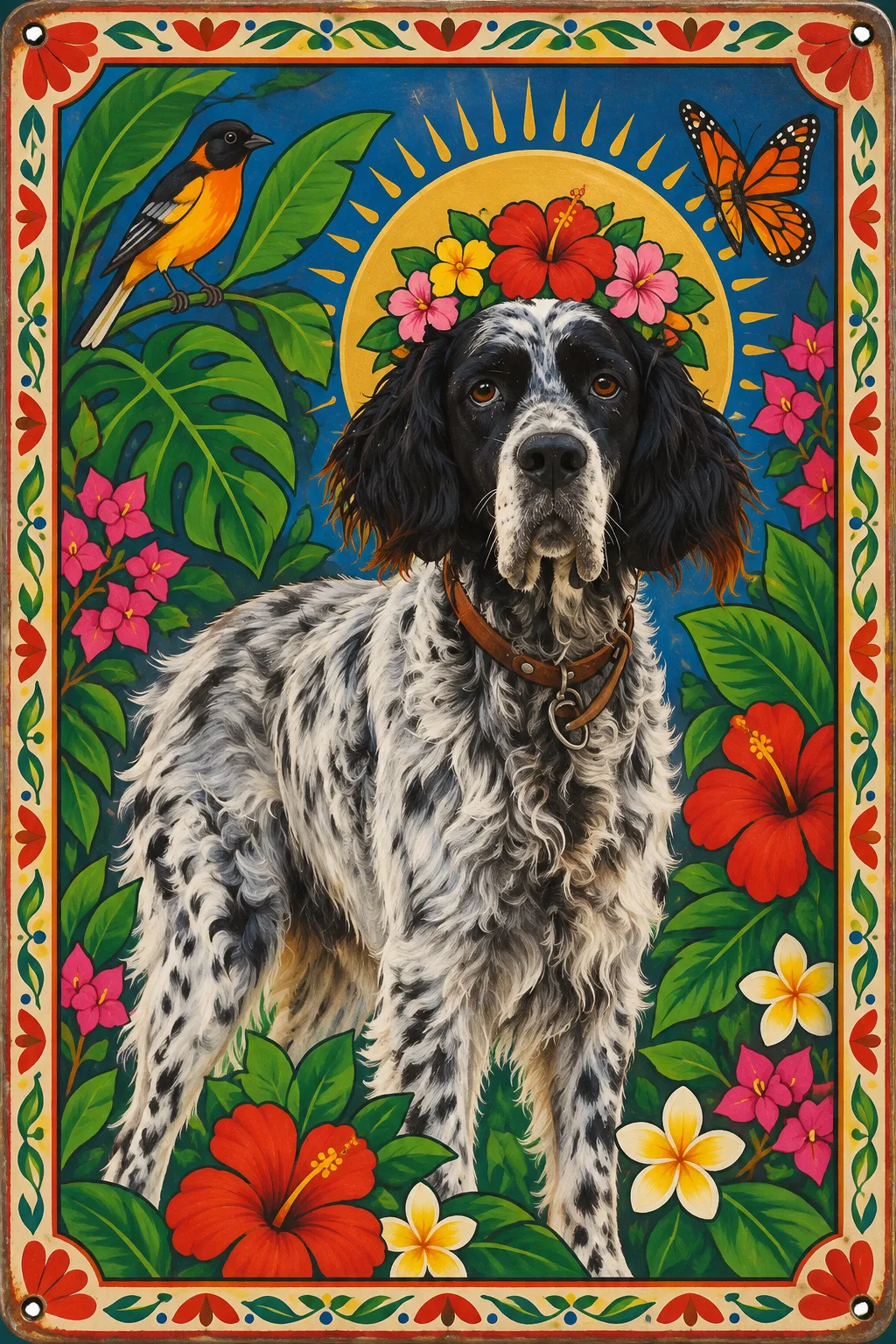
Mexican folk art Vivid Mexican folk-art portraiture with tropical leaves and flowers.
Renaissance portrait
Every plan, including free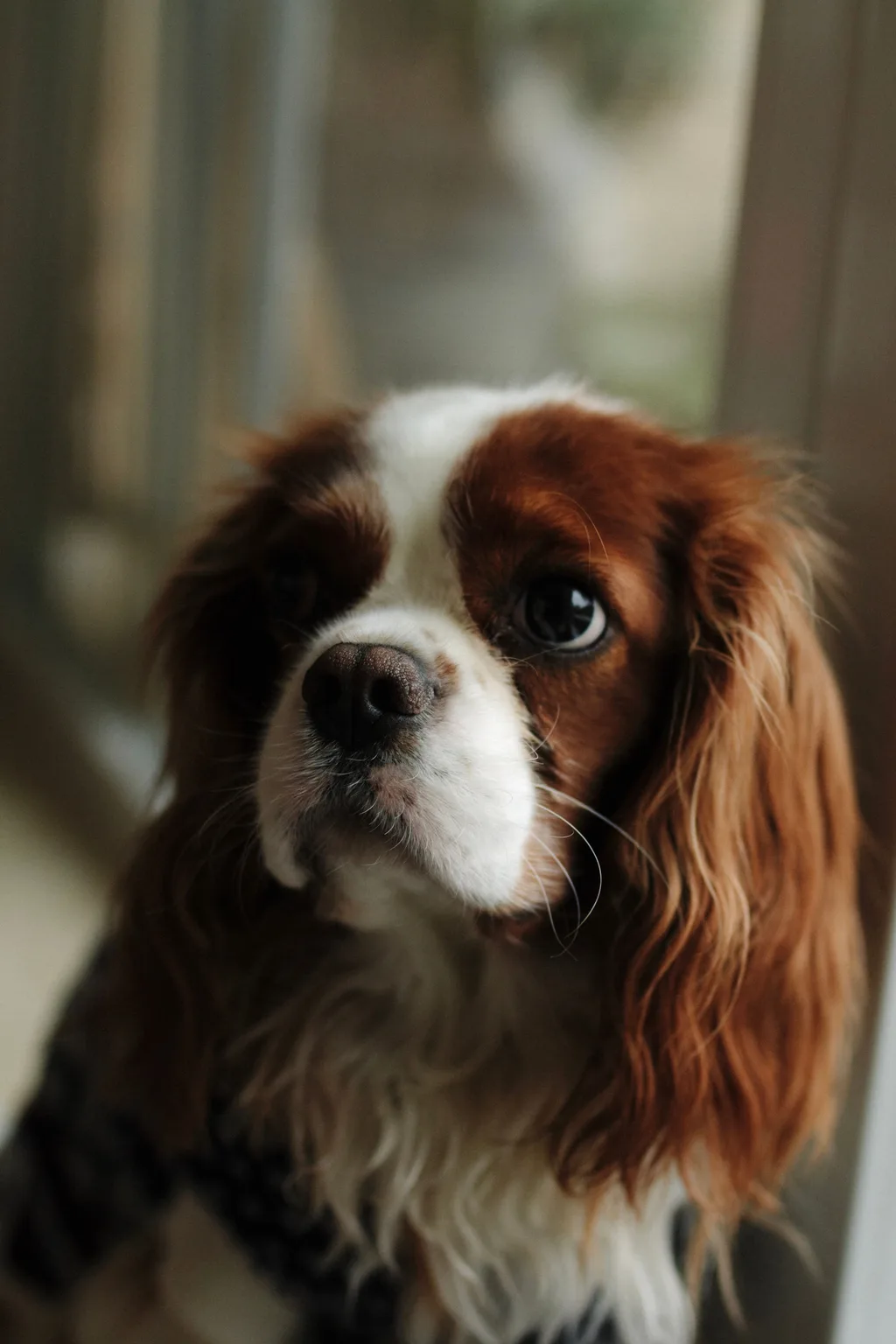
Original photo 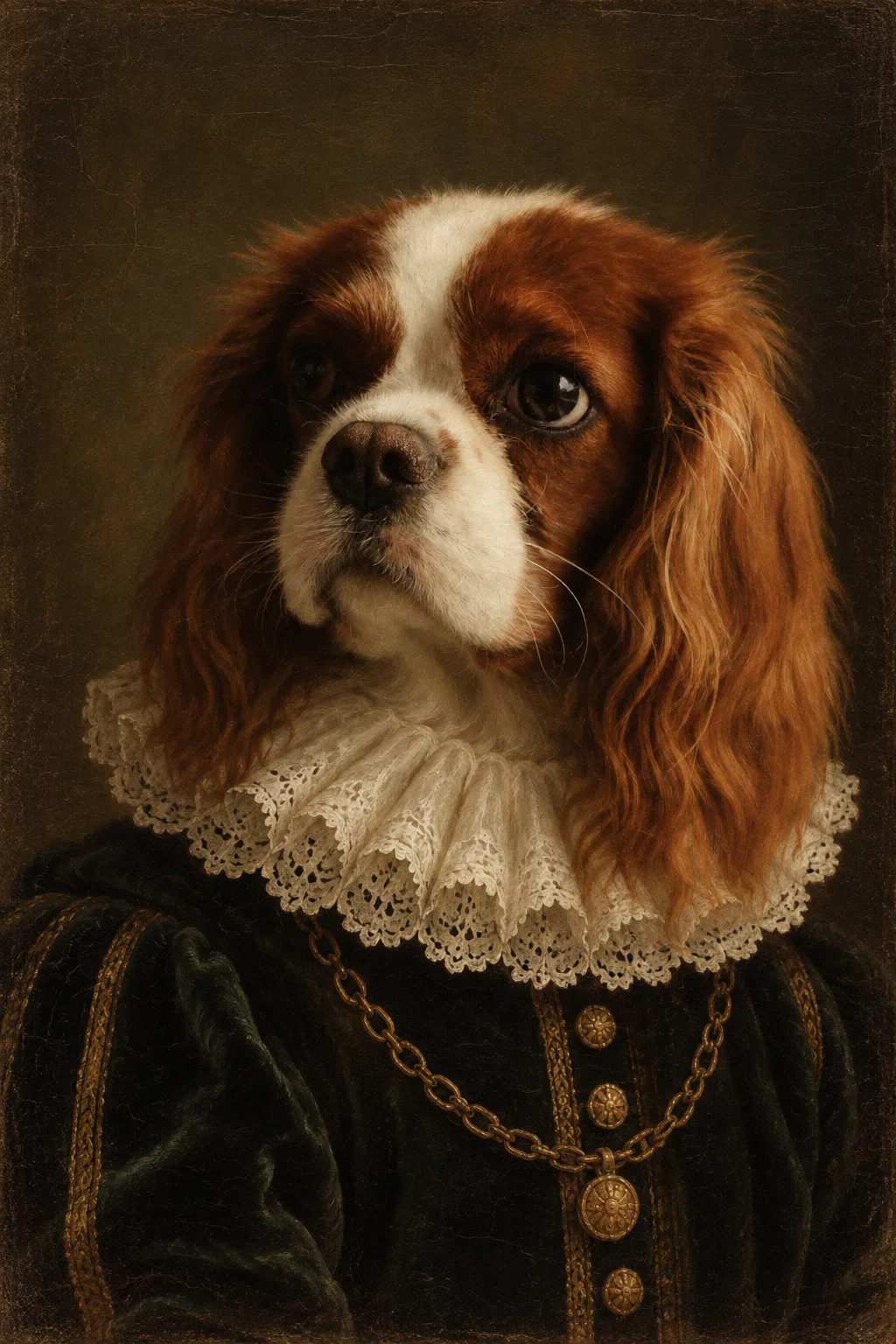
Renaissance portrait An Old Master oil portrait with the subject in 16th-century costume.
Royal portrait
Every plan, including free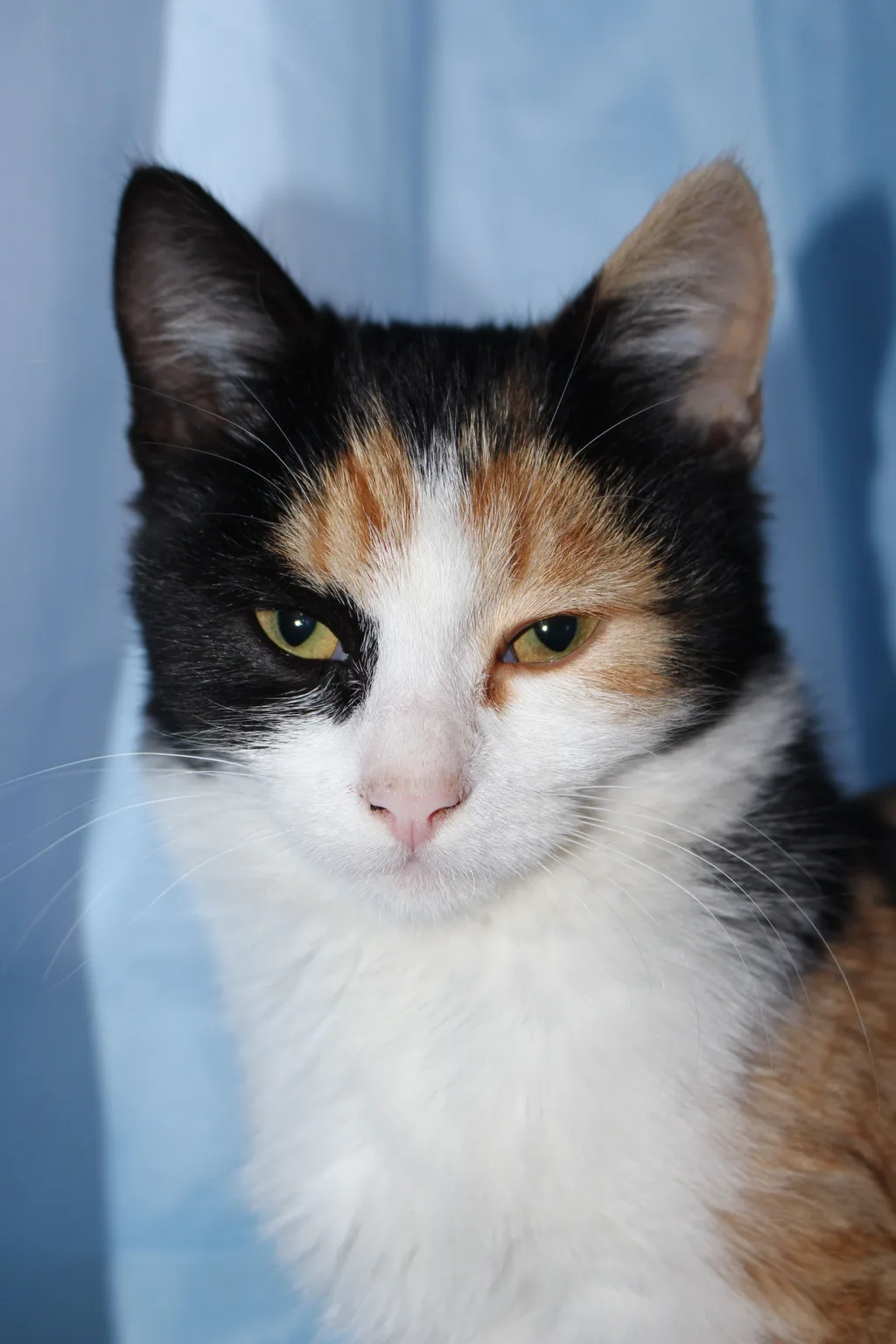
Original photo 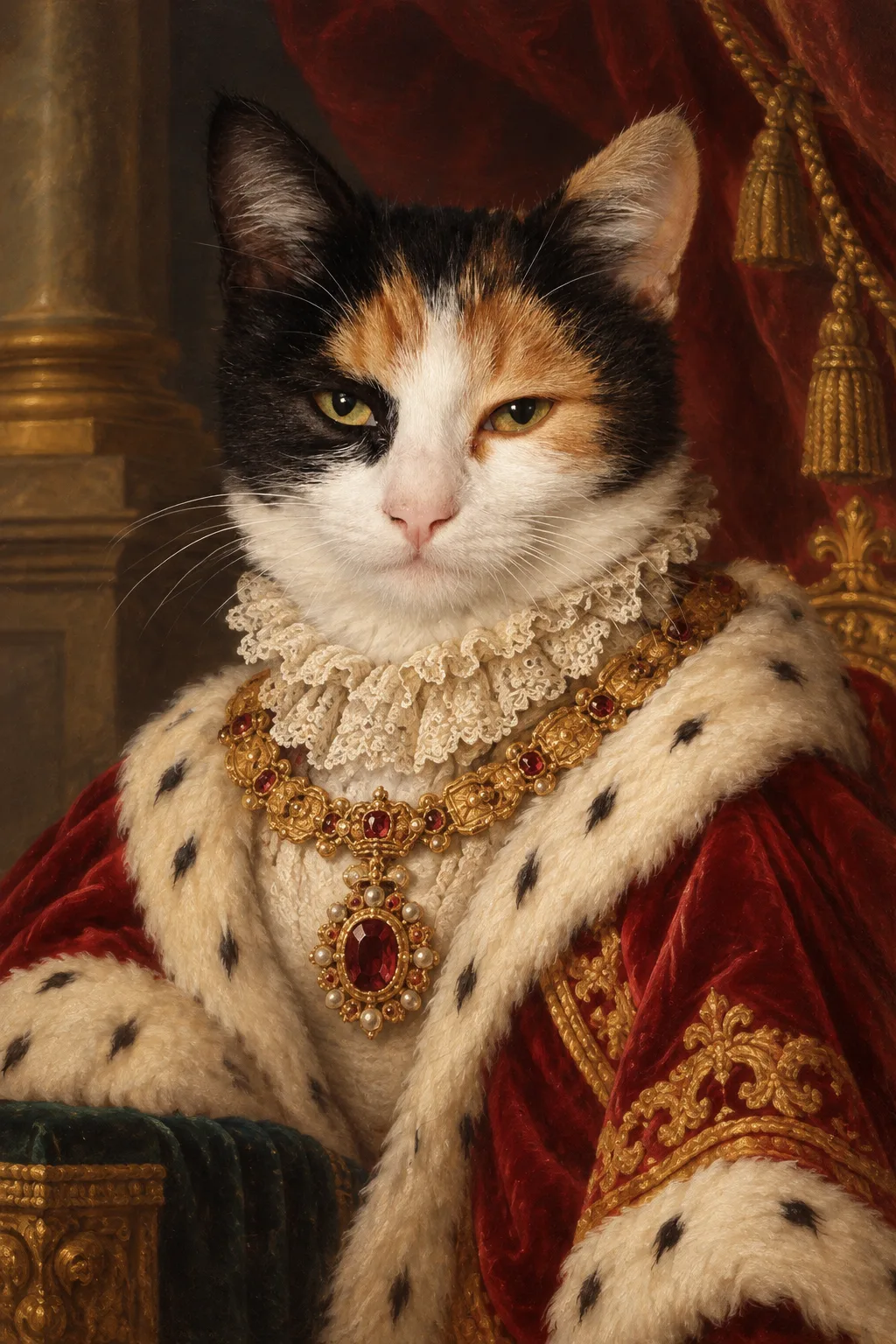
Royal portrait A regal court portrait with the subject in royal robes.
Starry night
Every plan, including free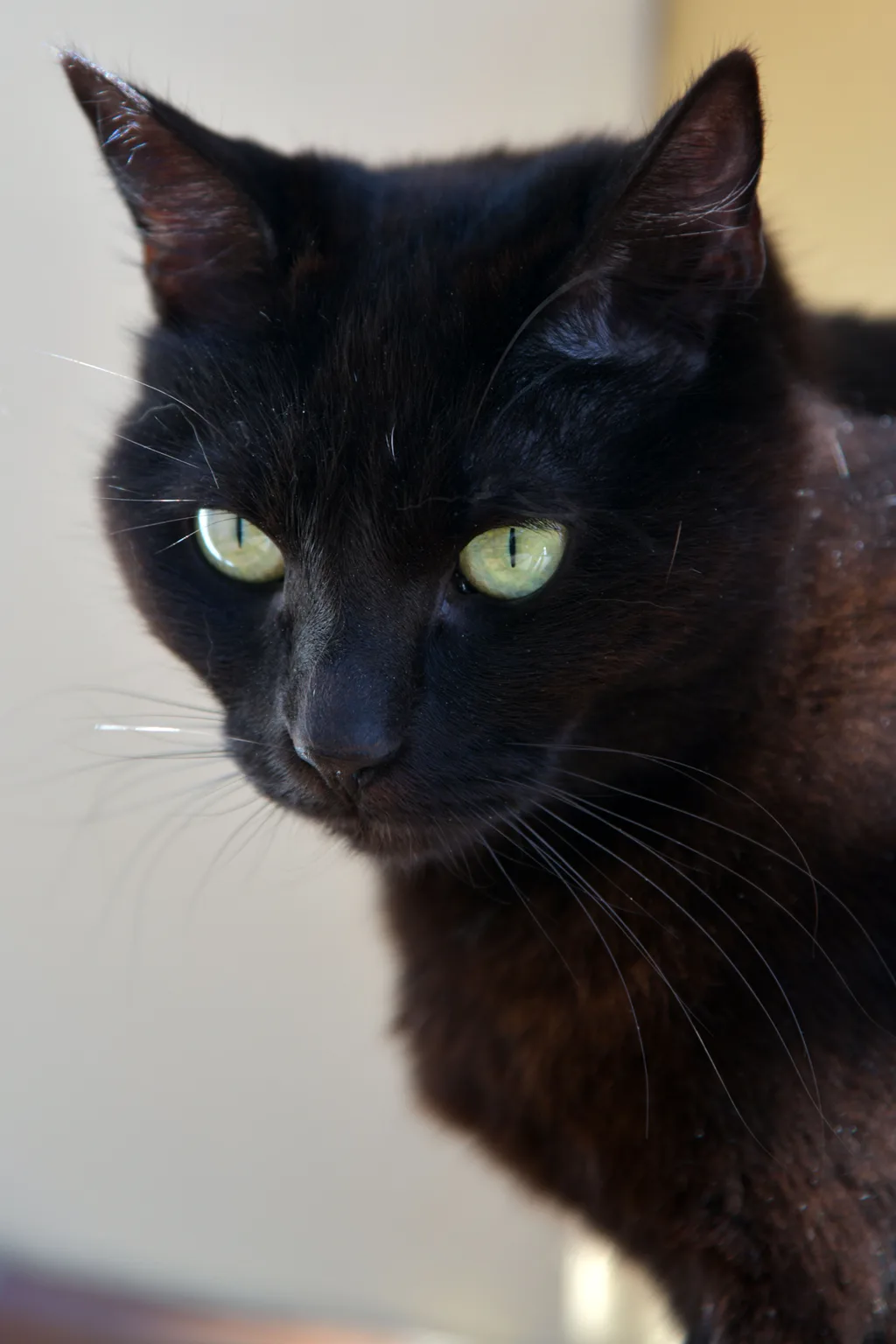
Original photo 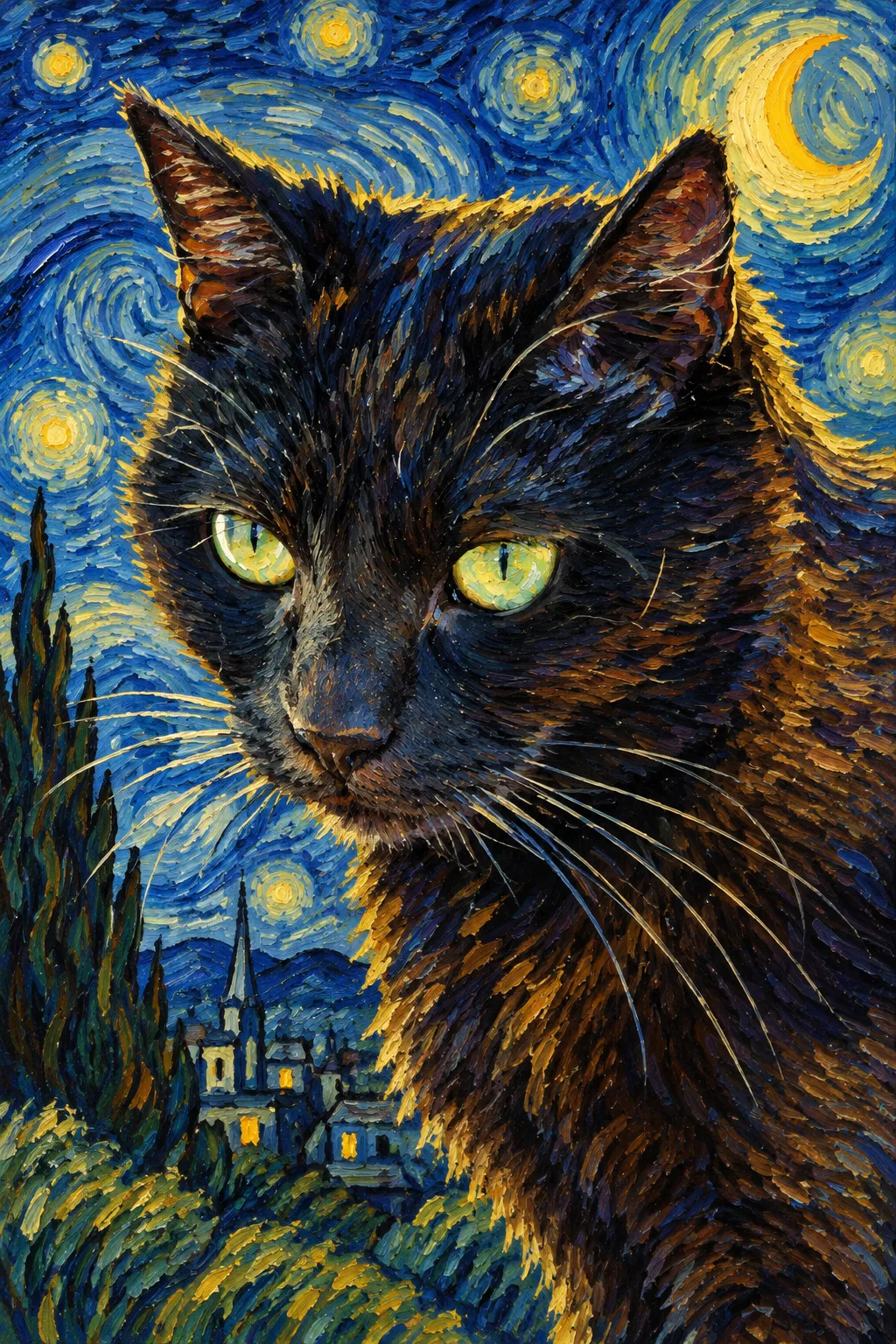
Starry night Thick, swirling post-Impressionist brushwork under a glowing night sky.
Watercolor
Every plan, including free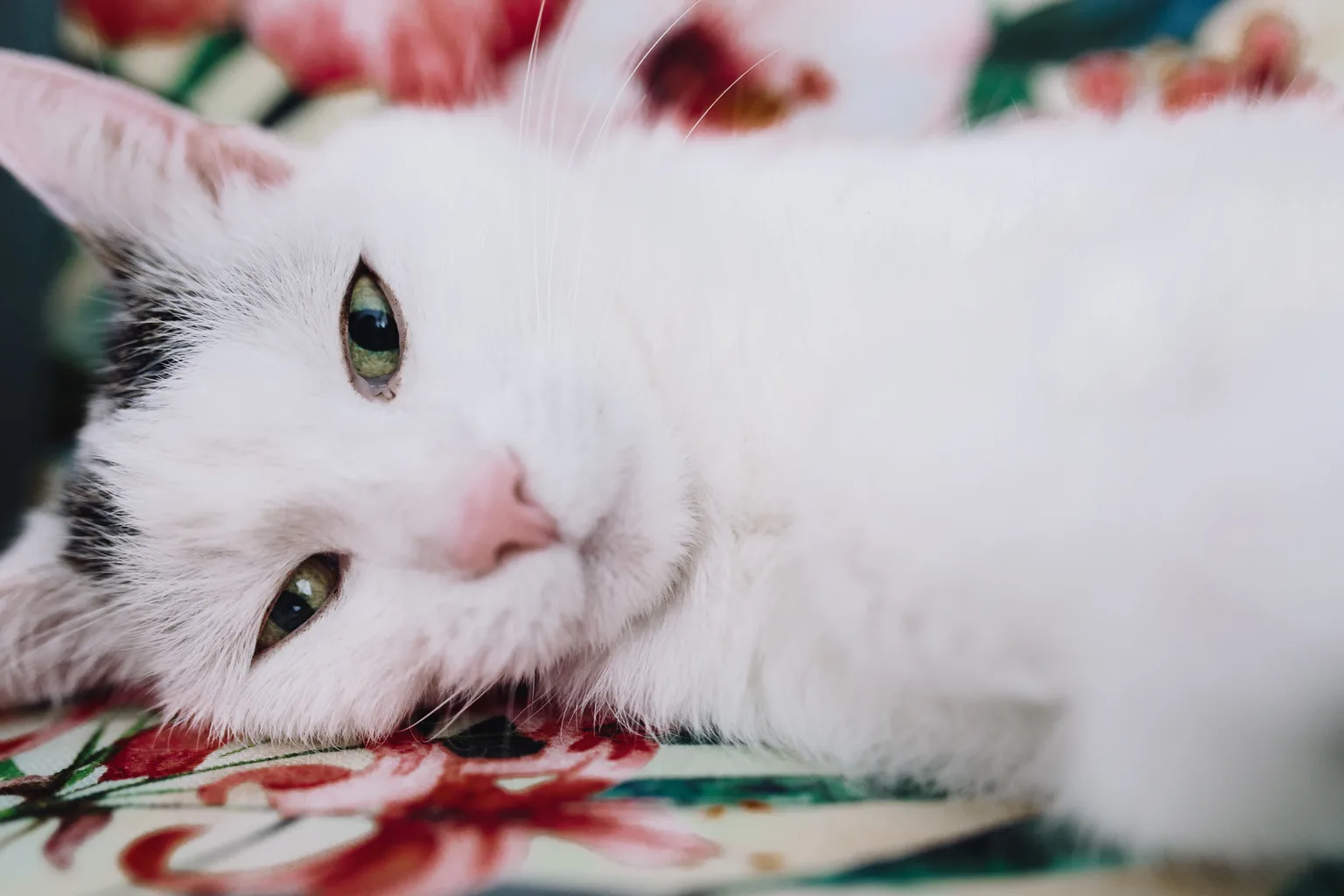
Original photo 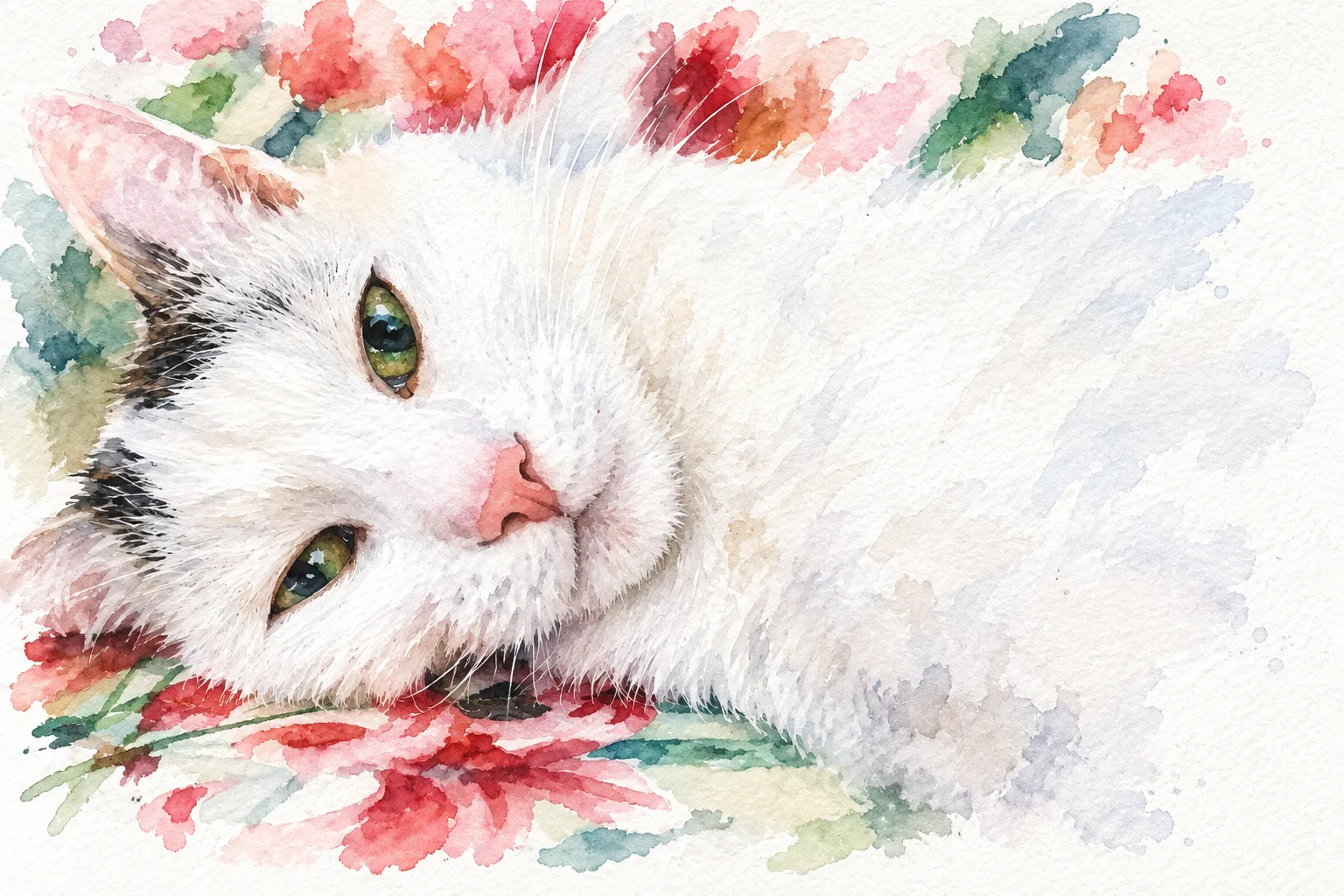
Watercolor Loose, transparent watercolor washes on white paper.
Choosing a style
- For a close portrait of a pet, Renaissance portrait and Royal portrait dress the subject in period costume and replace the background, and Starry night puts it under a night sky. All three ask the model to keep faces and markings.
- To keep the scene, use Watercolor or Monet. They repaint the whole photo but keep the setting, the pose and what your pet is wearing. Van Gogh usually keeps the scene too, though in two of its four examples on this site it added a swirling starry sky.
- For landscapes, gardens and water, Monet gives soft light and pastel colour; Van Gogh gives thick strokes and strong blues and yellows.
- Picasso breaks the picture into angular planes. Faces stay recognisable by colouring and position rather than by their features.
- Salvador Dalí puts the subject in a surrealist desert with melting pocket watches and long-legged elephants. Andy Warhol turns one photo into a grid of four coloured copies.
- Mexican folk art frames the subject with tropical leaves, bright flowers, a bird or butterfly and a painted border, and adds a crown of flowers.
How it works
- Create a free account. If you sign up with an email address, open the verification email and click the link; the generator opens once your email is verified. Signing in with Google skips this step.
- Upload a photo: PNG, JPEG or WebP, up to 50 MB. Large photos are resized to 2048 px on the long side before upload.
- Choose a style in the style list, for example "Watercolor", "Monet" or "Royal portrait", and press Transform Artwork. A painting usually takes under a minute.
- Download the painting as a PNG. It is also saved to the gallery in your account.
What it costs
The free Spark plan includes up to 10 generated images in total. Creator is $5 a month for up to 50 images a month, and Visionary is $20 a month for up to 400 images a month. The full details are on the pricing page.
Questions
- Which styles are free?
- Picasso, Monet, Da Vinci, Van Gogh, Renaissance portrait, Royal portrait, Starry night and Watercolor. The free Spark plan includes up to 10 images in total. Creator ($5 a month, up to 50 images a month) and Visionary ($20 a month, up to 400 images a month) add Salvador Dalí, Andy Warhol and Mexican folk art.
- What is the difference between Renaissance portrait, Royal portrait, Starry night and Watercolor and the other styles?
- Monet, Da Vinci and Van Gogh ask the model to paint the photo in that painter's manner, with no further instructions. Picasso, Salvador Dalí, Andy Warhol and Mexican folk art describe the look instead (its shapes, colours and motifs) without naming an artist. Renaissance portrait, Royal portrait, Starry night and Watercolor each describe a look in detail (a period, a costume or a technique) and ask the model to keep every face, coat and marking recognisable.
- Can I try several styles on the same photo?
- Yes. After a painting is made, the photo stays in the generator: pick another style and press Transform Artwork again. Each painting counts as one image.
- Are these real paintings by these artists?
- No. They are AI-generated images in a style inspired by each painter or period, made from your photo. Paintify is not affiliated with any artist, estate or museum.
- Can I download the paintings?
- Yes. Each painting downloads as a PNG and is also saved to the gallery in your account, where you can delete it at any time.